Amazon Dropshipping with Less Manual Order Work

Your next Amazon order should not mean another round of copying details between systems. Connect your store to DSers to bring orders, supplier products, and shipment updates together. Spend less of your day on repetitive administration while keeping the purchasing decisions that matter in your hands.

Navy travel organizer and packing cubes beside shipping boxes on a warm ivory worktable.

Built for the Work Behind Your Amazon Sales

Amazon is where customers find and buy your products. In a dropshipping business, your supplier handles the shipment. DSers connects the information between your store and suppliers, giving you a practical place to manage the work behind each sale. You remain responsible for the products you offer, your supplier arrangements, and the customer experience.

Turn Repeated Tasks into Less Work per Order

Place Orders in Batches, Not One by One

A busy sales day can leave you repeating the same supplier submission across dozens of purchases. DSers brings Amazon orders into one place for review and lets you submit selected AliExpress orders in a batch.

That means fewer individual submissions as orders accumulate. Variant and shipping choices are still yours to review, and supplier payment remains a separate step. You gain a more manageable way to handle order volume without handing over your purchasing decisions.
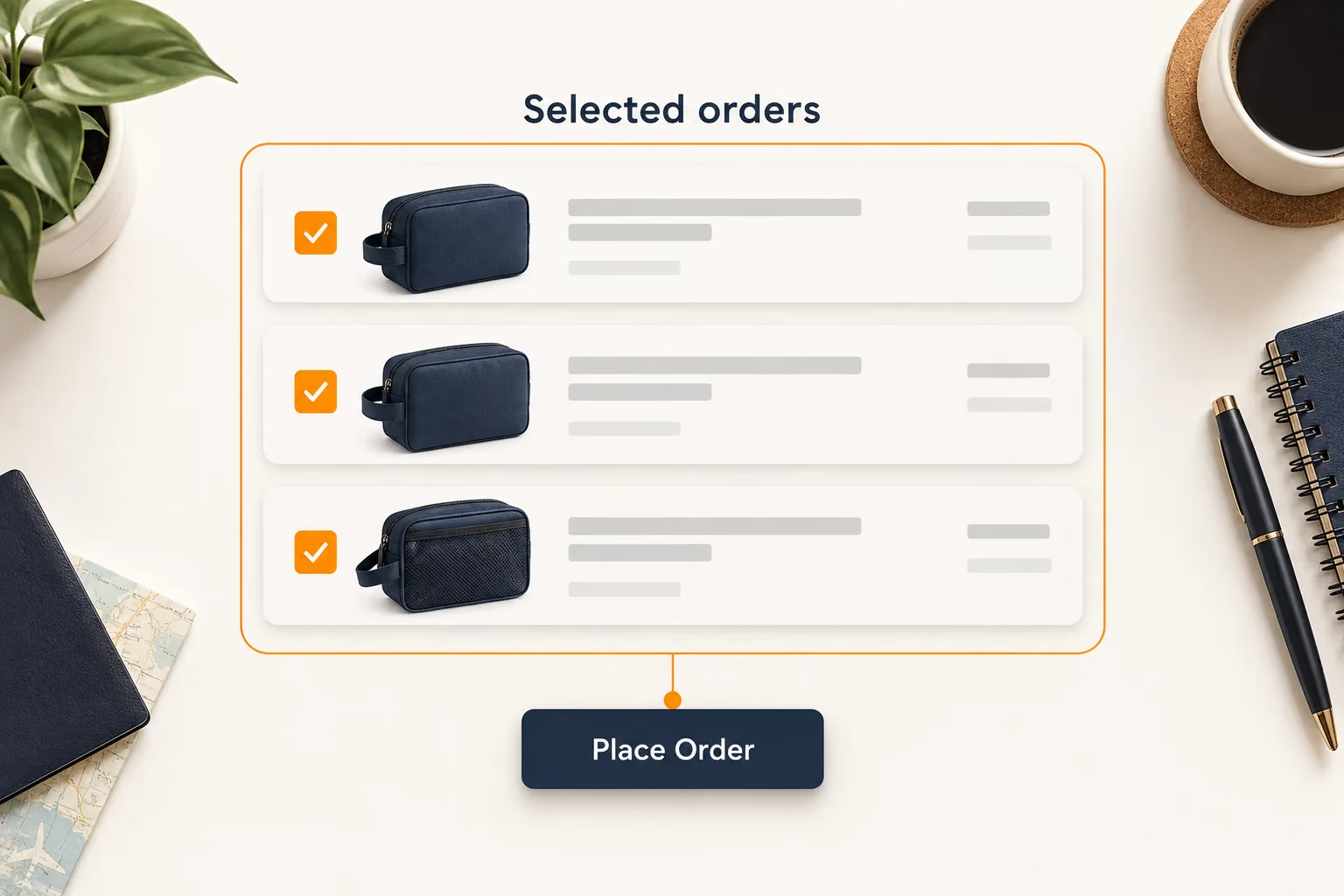
Selected supplier orders grouped for batch placement, with payment remaining a separate step.

Give Every Variant a Clear Supplier Match

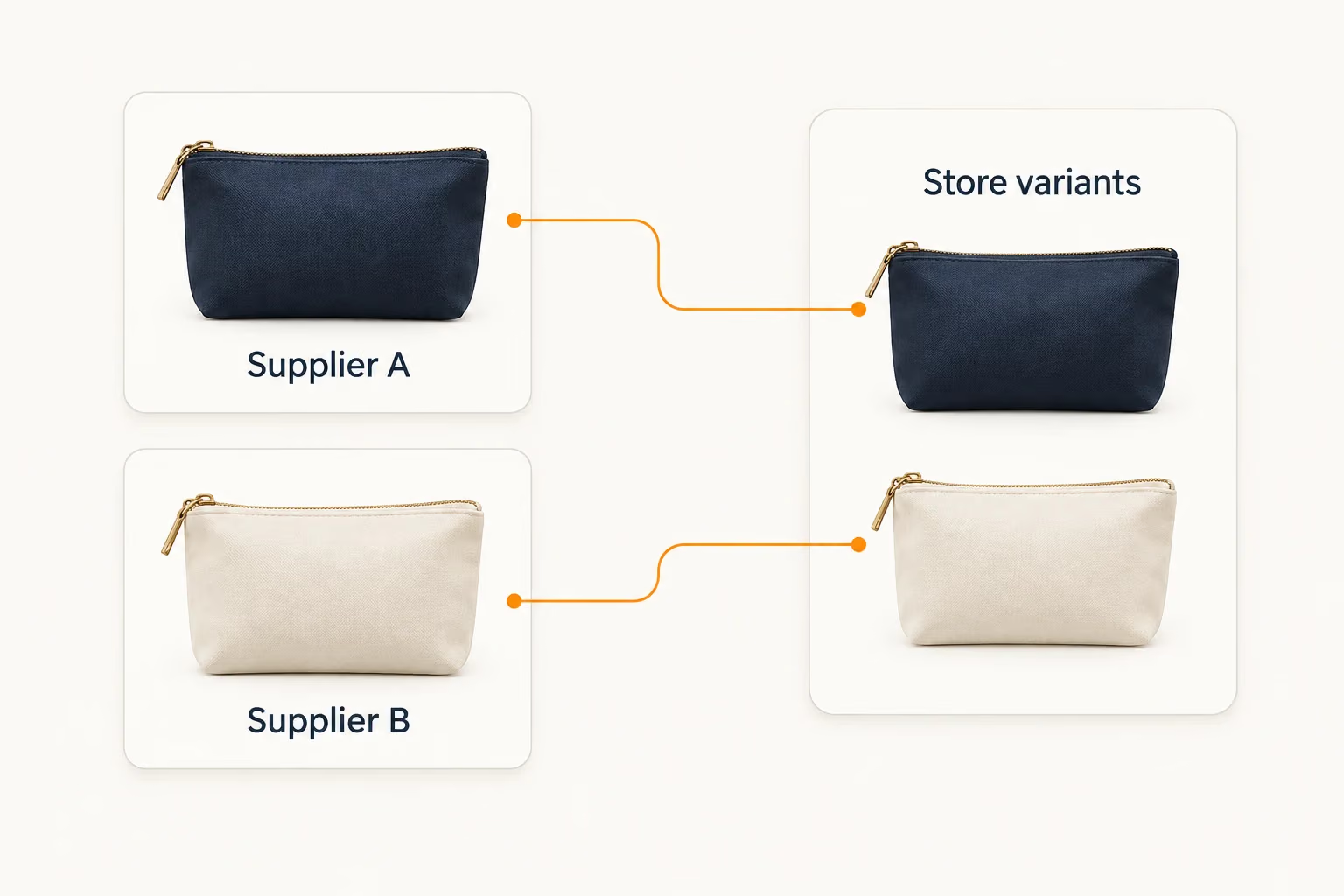
A product name alone is not enough when customers can choose different colors or sizes. DSers saves the relationship between your store variants and the corresponding supplier options, so you do not have to rediscover that match with every purchase.

For example, a navy travel pouch in your store may have a different option name in the supplier listing. Mapping keeps that connection available for subsequent orders. When a supplier changes its options, you can review the saved match rather than relying on memory or a separate reference sheet.

Two supplier products connected to their corresponding store variants.

Cut Back on Routine Stock Editing

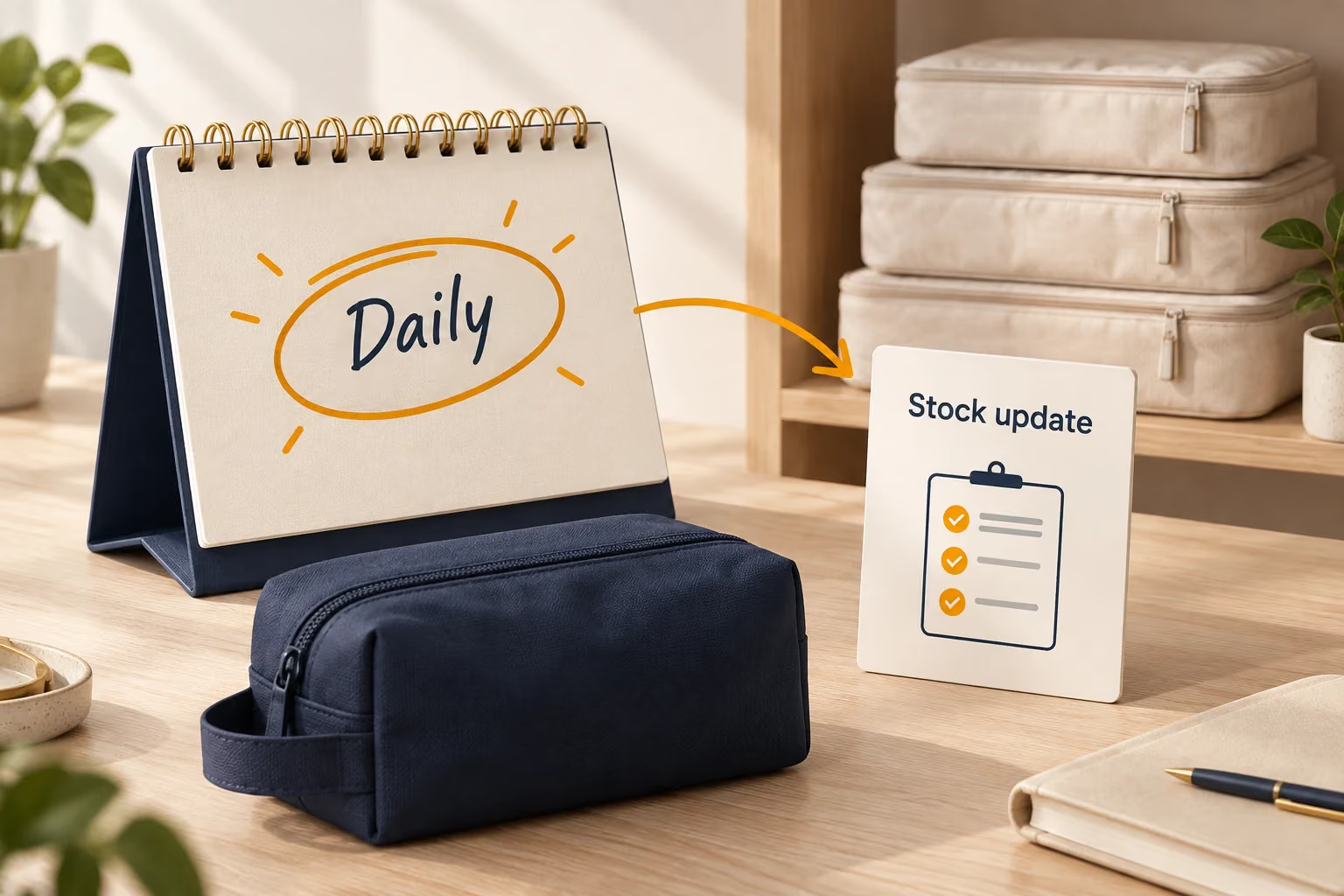
Supplier availability changes while your listings remain live. With Automatic Inventory Update enabled, DSers checks stock daily and applies your chosen rules to eligible mapped products. This reduces the routine work of keeping those listings aligned with supplier stock.

Daily checks are not real-time monitoring, so availability changes between checks still need your attention.

Daily supplier stock checks shown with a calendar and mapped travel products.

Keep Tracking Moving Back to Amazon

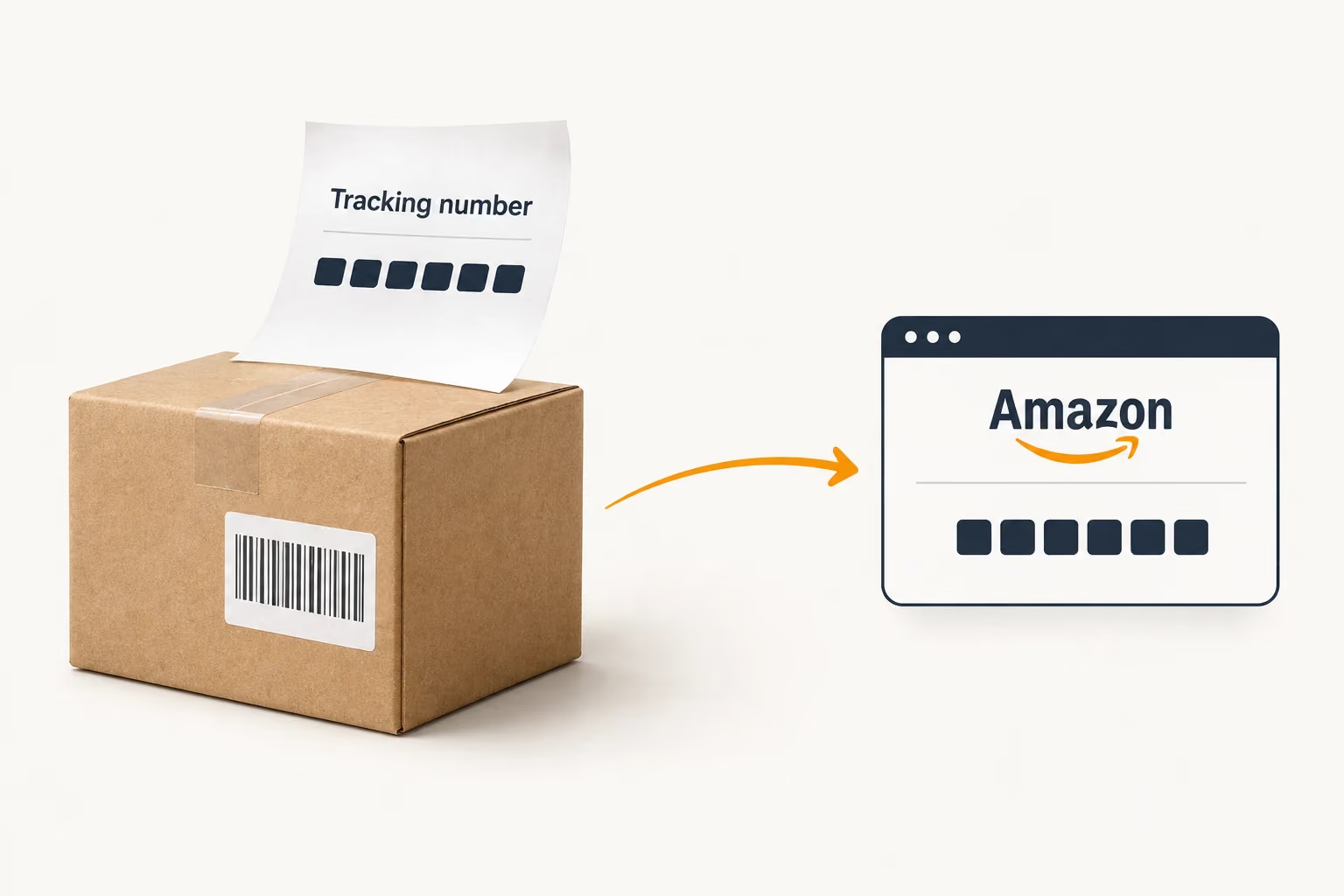
Shipping a package should not leave you with another number to copy. Once your supplier provides tracking information, DSers syncs it back to your connected Amazon store.

You can remove that repeated transfer from your shipment routine while continuing to work with your supplier on dispatch, delivery questions, and exceptions. Tracking sync passes along the supplier’s data; it does not change the delivery service itself.

A supplier tracking number moving from a shipped parcel back to Amazon.

Add Amazon without Splitting Your Store Management

Already selling through another connected channel? DSers lets you manage multiple stores from one account, so adding Amazon does not require a separate DSers account for every store.

Store filters keep products and orders organized around the business you are working on. Review Amazon activity when that is your priority, then move to another connected store without maintaining separate DSers logins.

This is useful when your channels need shared day-to-day attention but their orders still need distinct store context. Choose a subscription that fits both your total store count and the number of sales-channel platforms you use; those limits depend on your plan.

Choose Suppliers That Fit Your Products

Your sourcing needs can differ from one product to the next. DSers supports AliExpress, Alibaba.com, 1688, and Agent connections, giving you options beyond a single supplier platform within the same account.

Keep your supplier connections together in DSers as you expand your product range. Whether you source from one platform or several, you can manage those connections in the same account and choose the ordering options available for each.

You choose suppliers based on the products, shipping arrangements, and service your business needs. DSers helps you manage the connection; assessing product quality and agreeing on fulfillment terms remain part of that choice.

Connect Your Amazon Store in Five Steps

Start with an active Amazon Seller Central account that is not already linked to another DSers account.

  1. Selecting Amazon in DSers to begin store authorization.

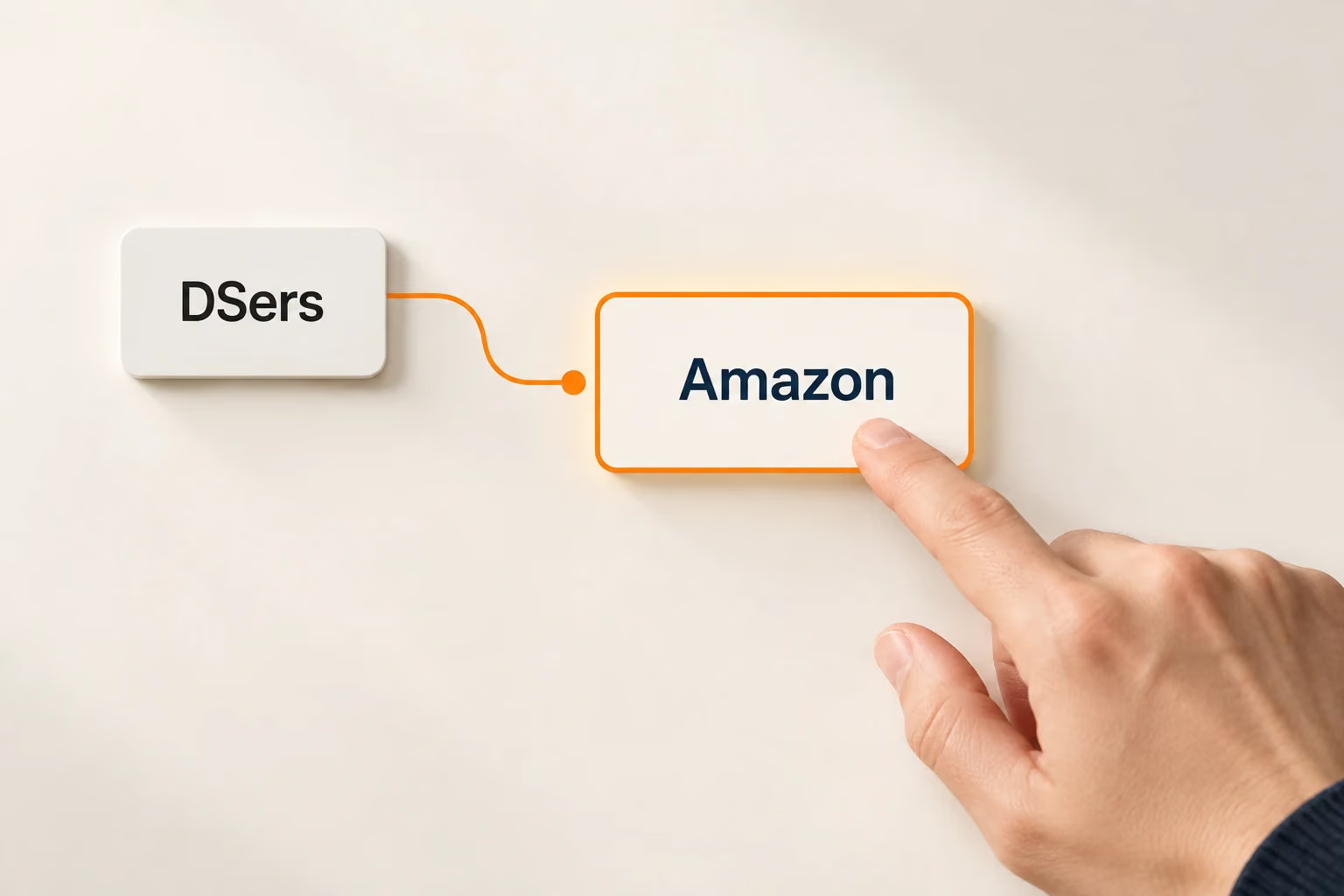
    1. Choose Amazon in DSers

    Sign in to DSers and select Amazon to begin the store connection.

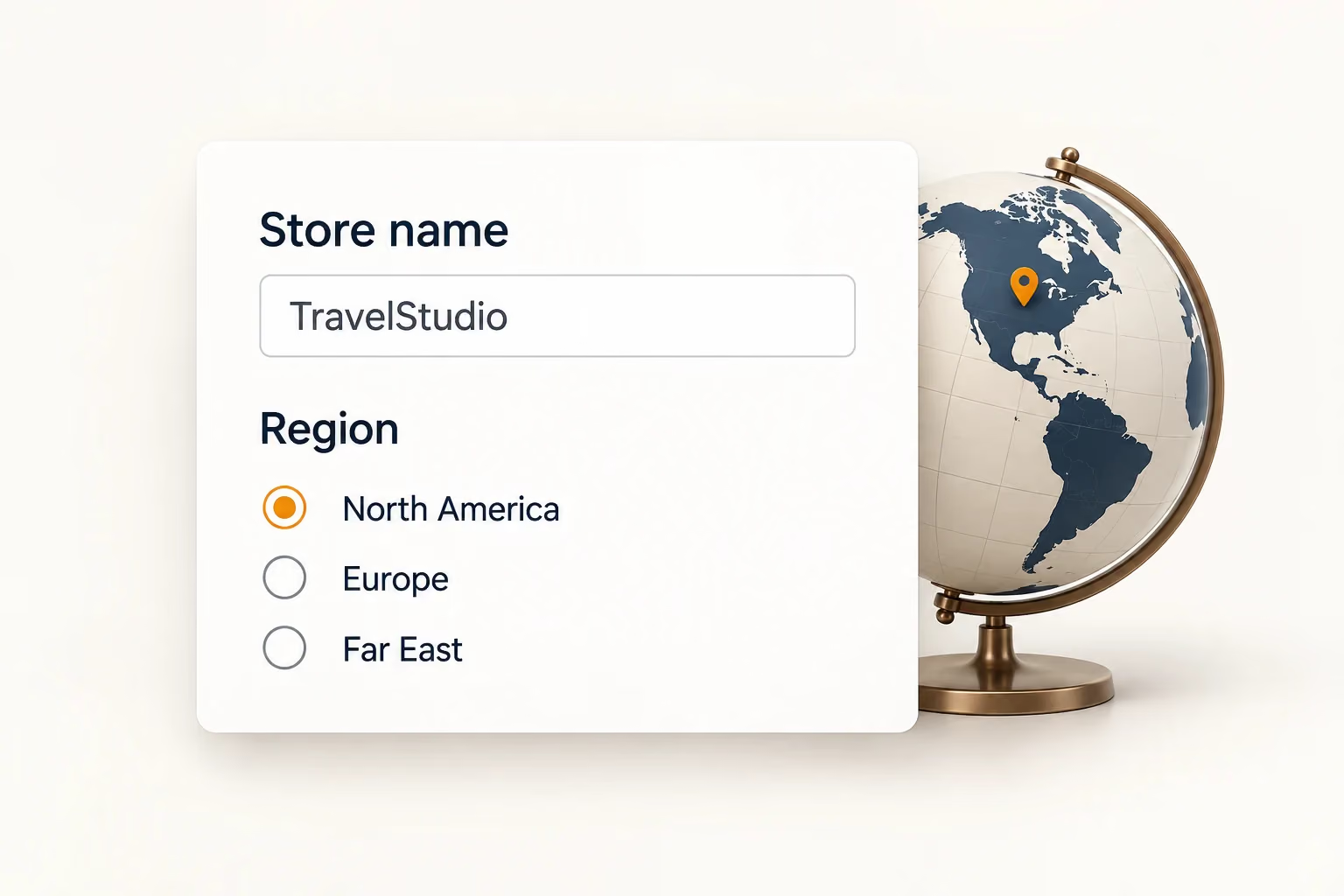
  2. An example internal store name and the North America, Europe and Far East region options.

    2. Set Your Store Name and Region

    Enter an internal store name and choose North America, Europe, or Far East.

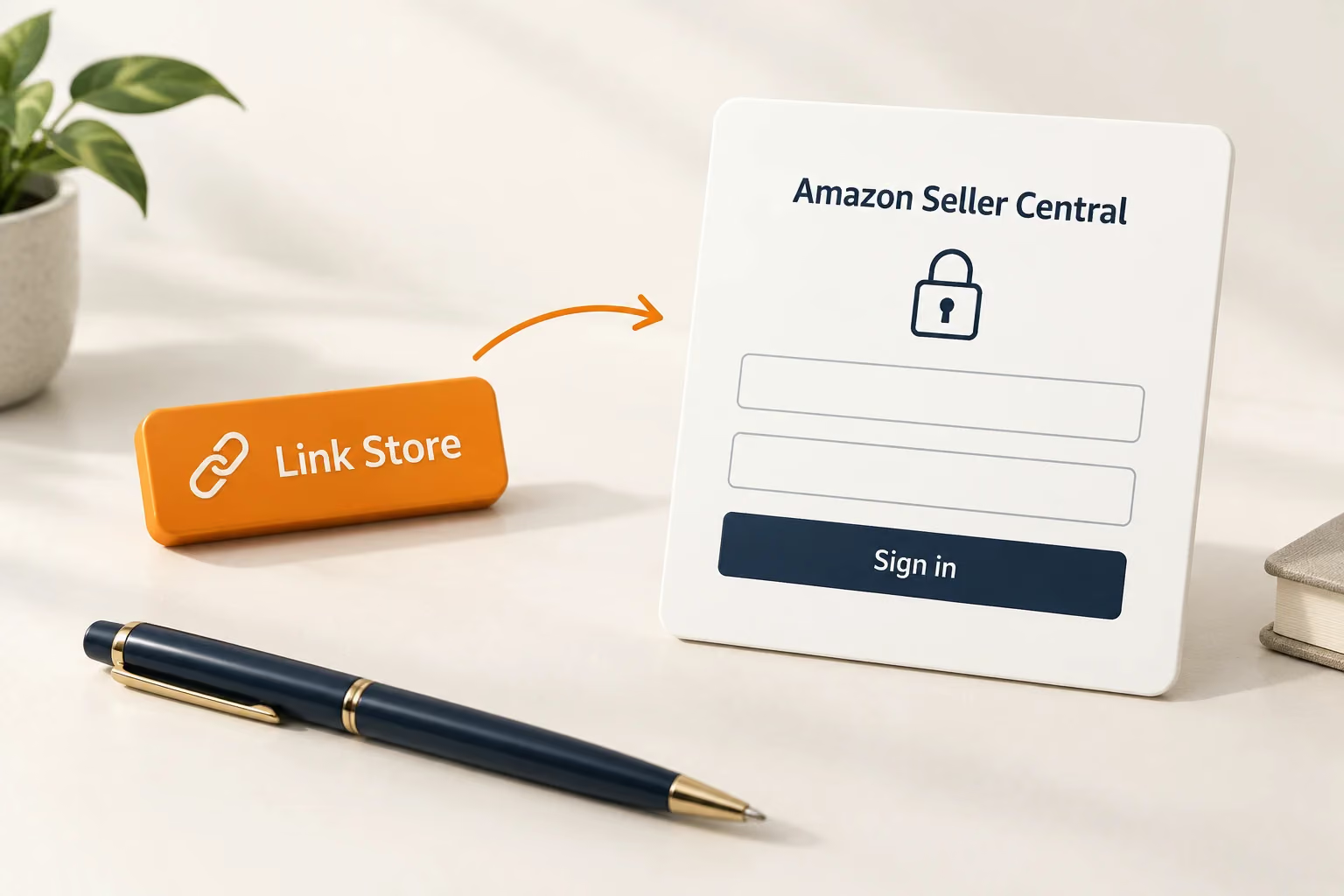
  3. Link Store leads to signing in with Amazon Seller Central.

    3. Sign In to Amazon

    Select Link Store and sign in with your Amazon Seller Central credentials.

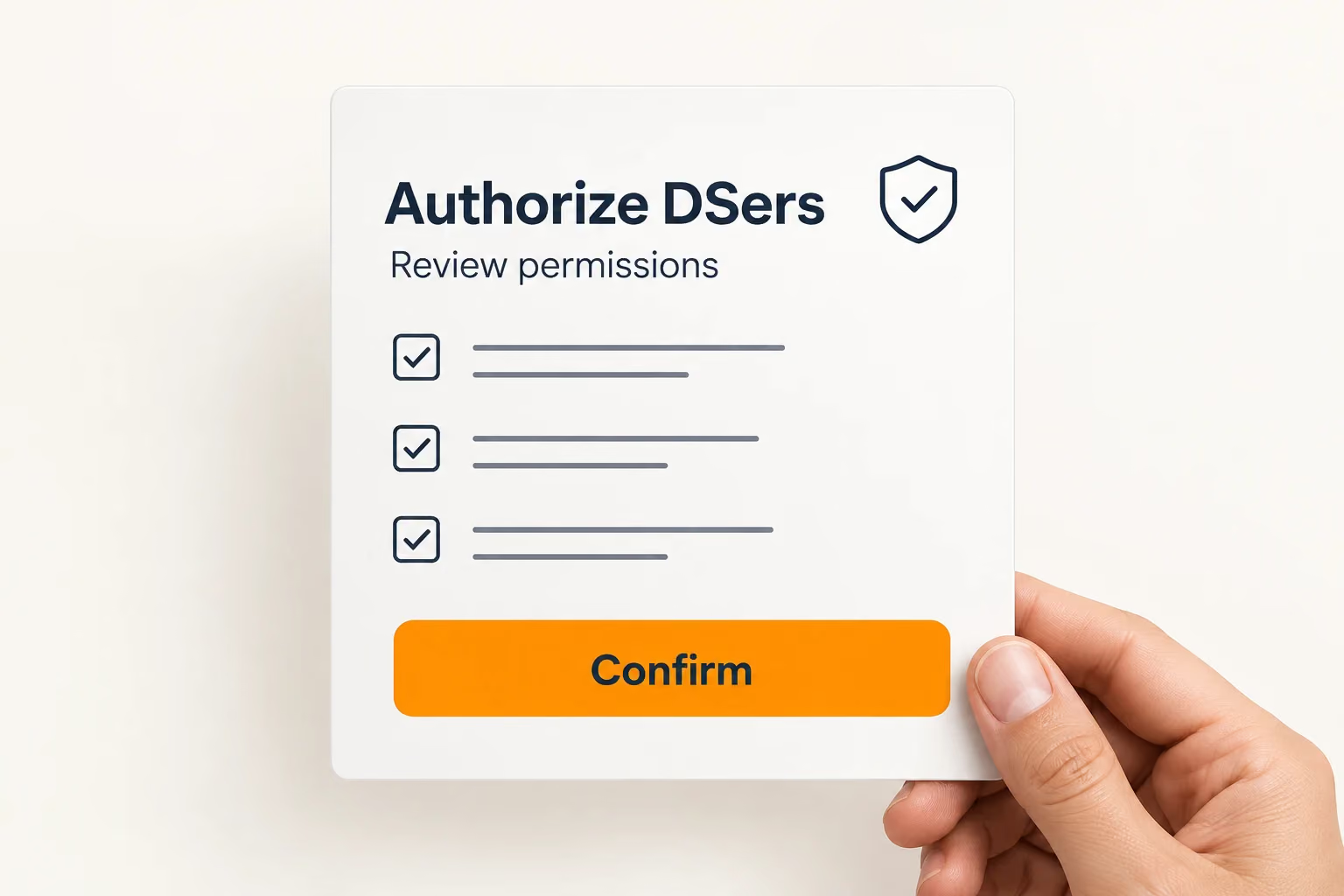
  4. Reviewing the Amazon permission request and confirming authorization for DSers.

    4. Approve the Connection

    Review Amazon’s permissions request and authorize DSers.

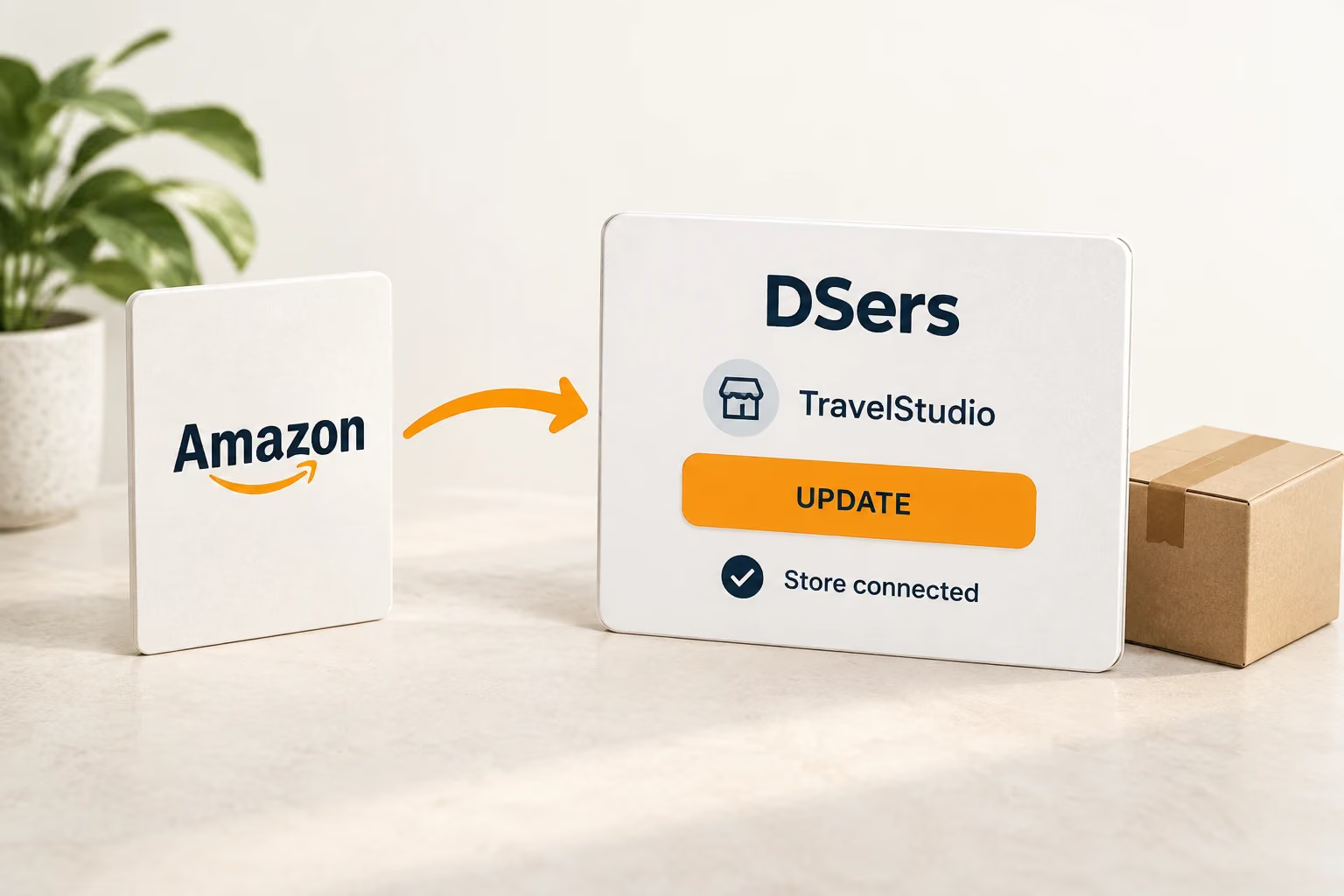
  5. Returning to DSers and selecting UPDATE to synchronize the store connection.

    5. Return and Sync

    Select UPDATE in DSers to sync your store, then choose your plan and connect a supplier account.

Read the Amazon connection guide

Make Room for Your Next Stage of Selling

Bring your Amazon store into DSers and give repeated order tasks less space in your day. Start with the products and suppliers you know, then build from there.

Amazon Dropshipping FAQ

Can I use DSers for Amazon dropshipping?

Yes. DSers supports Amazon order processing and tracking sync. You remain the seller of record and responsible for customer returns. Your supplier arrangements must meet Amazon’s requirements, including identifying your business on shipment documents and packaging and removing third-party seller identification.

Do I need Shopify to connect Amazon to DSers?

No. The connection starts directly in DSers and uses your Amazon Seller Central authorization. A Shopify store is not required.

Does connecting Amazon also connect my suppliers?

No. Store authorization and supplier connection are separate. You can add a supplier account after the initial Amazon setup.

Can the same Amazon store connect to two DSers accounts?

No. Each Amazon store can connect to one DSers account. Contact DSers Support if you need help changing an existing connection.

Is Amazon inventory synchronization real time?

No. Automatic Inventory Update checks supplier stock daily for eligible mapped products, according to your settings and applicable update conditions.